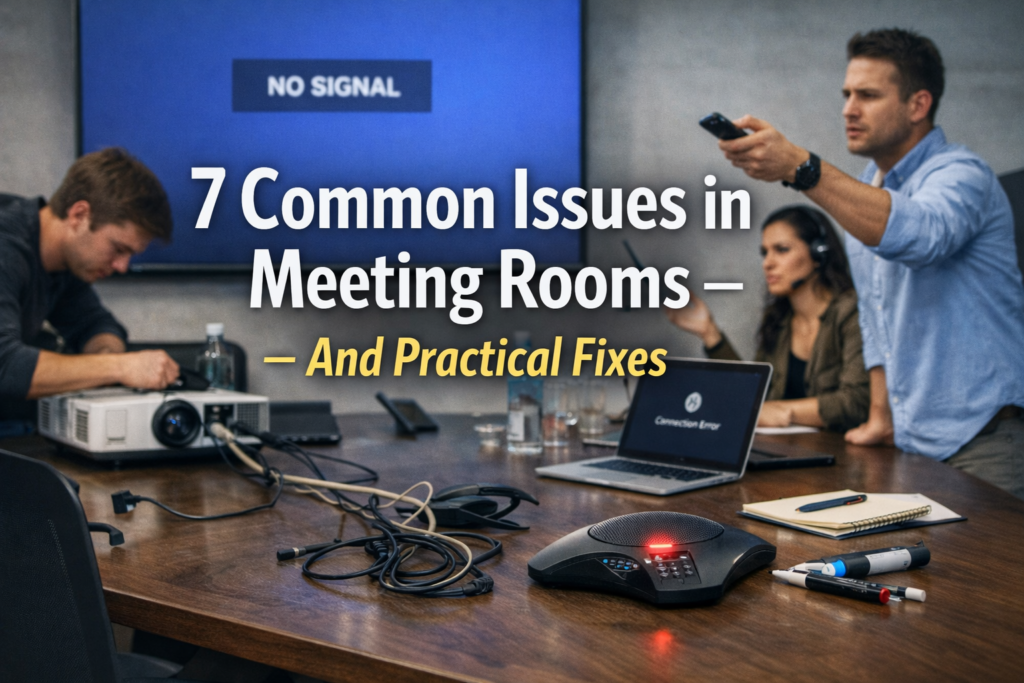
A few minutes before an important meeting, everything seems fine.
You open the meeting link, your team joins, and suddenly something goes wrong. The camera stops working. The audio starts breaking. Someone says “your voice is cutting out.”
If you have ever experienced this, you know how stressful it can feel. It becomes even more uncomfortable when clients are waiting or when you are presenting something important.
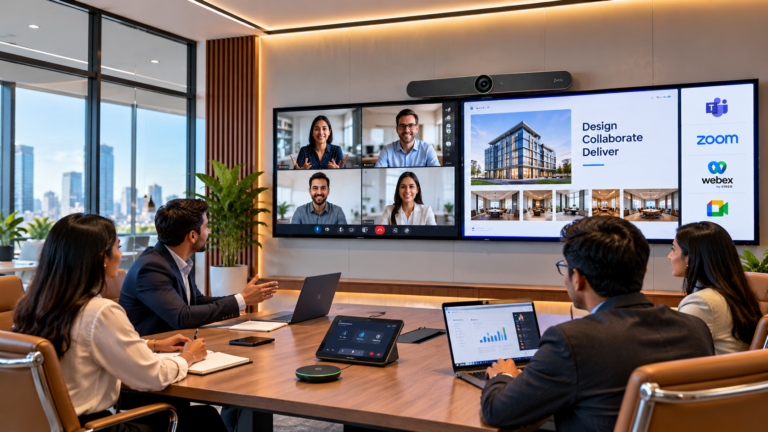
Today, almost every business depends on a video conferencing system for meetings, collaboration, and communication. Remote working environments , multinational clients, and hybrid work culture have made video conferencing a routine part of daily work.
But when the system doesn’t support it reduces productivity and creates distress among team members
Let us look at the most common problems and practical ways to solve them.
1. Unstable Internet Connection
The main reason why video meetings fail is the absence of a stable internet connection.
Video conferencing demands a stable and reliable internet connection. If the internet connection is inconsistent, the quality during the video conferencing will be affected easily.
Most offices operate under a shared network where many devices are connected at the same time. This means that when many employees are uploading files or downloading updates, the network becomes congested.
How to solve this
The first thing to do is to check the speed of your internet connection. For high-definition video meetings, most teams need at least 10 to 20 Mbps of internet connection per user.
Here are a few things that you can do to solve the issue:
- Switch to a wired Ethernet connection rather than using WiFi.
- Restart your router from time to time to refresh the connection.
- Avoid downloading files during meetings.
- Upgrade your internet connection if you frequently hold video meetings.
The first step to having a reliable video conferencing system is having a stable network connection.
- Outdated Meeting Software
Many companies tend to overlook updating their meeting and collaborating tools, and this causes some issues, as older versions of the tools may contain bugs and glitches which affects camera, microphone, and screen sharing functionality.
Video conferencing tools are updated regularly to improve their functionality, security, and compatibility with new devices.
If your software is outdated, you will encounter many issues, and things will start breaking for you.
How to fix this
- Ensure your systems are updated regularly.
- Ensure your meeting application updates are enabled.
- Ensure your operating systems are updated regularly.
- Ensure your systems are restarted after updating.
- Ensure your device permissions are enabled for camera and microphone access.
If your software is updated, your meetings will run smoothly.
3. Low Quality Cameras and Microphones
You may have encountered situations where the person’s camera is of low quality, and you cannot see their face clearly. Similarly, you may also have encountered situations where the person’s microphone is of low quality, and you cannot hear what they are trying to communicate.
The purpose of using a video conferencing tool is to communicate with clarity and precision. Therefore, if the camera and microphone are of low quality, the overall experience is compromised.
How to fix this
You may not need expensive equipment for this purpose, and good quality equipment is available at reasonable prices.
You may consider using
- A high definition webcam.
- A noise cancelling microphone.
- A professional headset for voice communication.
- Conference room microphones for conference calls.
If you are a company and need to conduct many conference calls with your clients or with your global team, you may consider installing video conferencing solutions in your conference rooms.
4. Too Many Devices Sharing One Network
In modern offices, almost everything is connected to the internet.
Laptops, smartphones, cloud backups, file syncing tools, smart devices, and collaboration platforms all compete for bandwidth.
When too many devices run at the same time, the network becomes overloaded. This causes slow video streaming, audio delays, and connection drops during meetings.
How to fix this
Businesses can improve performance with simple network management steps.
- Create a dedicated network for business meetings.
- Use bandwidth prioritization for video calls.
- Limit large software downloads during office hours.
- Upgrade office routers to enterprise grade devices
Companies that rely heavily on online meetings often benefit from managed IT infrastructure and network optimization services. These services help ensure reliable connectivity across communication tools and cloud platforms.
5. Incorrect Audio and Camera Settings
This situation happens more often than people admit.
You join a meeting, start speaking, and nobody hears you. Or your camera stays black even though it is connected.
Usually the problem is very simple. The meeting platform may be using the wrong microphone or camera device.
Many computers have multiple audio sources like built in microphones, USB microphones, and headset microphones. If the wrong one is selected, the meeting software cannot capture your voice.
How to fix this
Before every important meeting, do a quick test.
Check the camera preview inside the meeting software
Confirm the correct microphone is selected
Run a short audio test
Test screen sharing if you plan to present
This quick check only takes a few seconds but can prevent embarrassing technical issues.
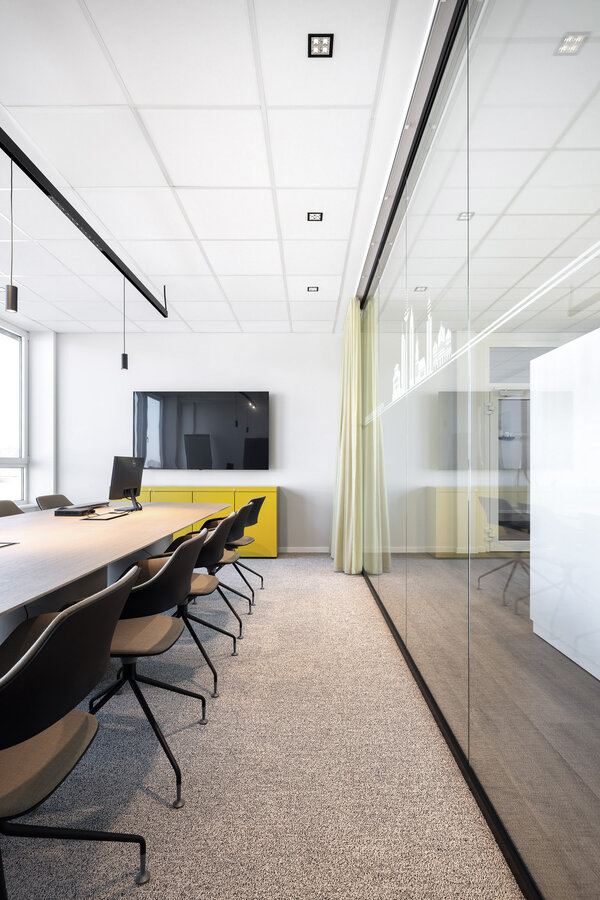
6. Poor Meeting Room Environment
Technology is not always the solution. The room itself is sometimes the source of the problem.
Rooms with low lighting will produce grainy pictures. Rooms with hard surfaces, such as glass walls and empty floors, will have echo problems. Rooms with background noises from air conditioners, open offices, or traffic will also have problems with audio quality.
The best video conferencing systems will not work well in a poorly designed room.
How to fix this
The room itself is an important factor in the quality of the meetings.
- Soft lighting is better than bright overhead lighting.
- Adding carpets and curtains will reduce echo problems.
- Position the microphones closer to the people talking.
- Select rooms with low background noises for important meetings.
Making small improvements to the room will make the video calls feel much more professional.
7. Lack of Proper System Integration
There are a number of organizations that use multiple tools at any given time, such as a tool for messaging, another tool for meetings, and a tool for sharing files, etc.
However, when these tools are not integrated, it becomes a problem, leading to constant login issues, syncing issues, or delayed meetings, etc.
Nowadays, organizations are using tools such as Microsoft 365, which offers a number of features, including tools for communication, document sharing, and holding meetings, all within a single platform.
Final Thoughts
Video conferencing is now an irreplaceable part of the modern work culture. Whether teams operate remotely, in a hybrid model, or across the globe, a robust system of video conferencing is vital for teams to communicate effectively.
However, when the system fails, meetings get disrupted, time is wasted, and undue stress is put on the teams involved.
The best news is that most problems are easy to fix with solutions available at cloud converge.A robust network, updated software, upgraded hardware, and a well-prepared room for meetings can completely turn the experience around.
Companies that opt for the best in video conferencing technology often see a huge difference. Meetings become efficient, conversations become effortless, and teams start to work more effectively.
At times, the only thing between an unfruitful and productive meeting is a few simple improvements.