Let me guess. You’ve sat in a video call where someone’s dog was barking, another person’s mic sounded like they were talking from inside a tunnel, and you were trying to take notes while also nodding along so you looked busy. We’ve all been there. It’s exhausting.
Here’s the good news. A lot of that mess is quietly getting fixed in the background, and the reason is AI in video conferencing. It’s not some far-off tech thing. It’s already sitting inside the tools you probably use every week, doing small helpful jobs so your meetings feel less like a headache.
Let me walk you through what it actually does, why it matters, and how to pick the right tool without getting lost.
So what does “AI in video conferencing” even mean?
In plain words, it means your meeting software is doing some of the thinking for you.
Instead of you fiddling with settings, cleaning up audio, or scribbling notes, the software handles those bits on its own. It listens, it watches, it adjusts, and it tries to make the call smoother. That’s it. No robot taking over your job. Just a helpful set of features running behind the scenes.
Think of it like a quiet assistant who sits in every meeting and takes care of the boring stuff so you can focus on the actual conversation.
The features you’ll actually notice
Let me skip the jargon and tell you the things that genuinely make a difference.
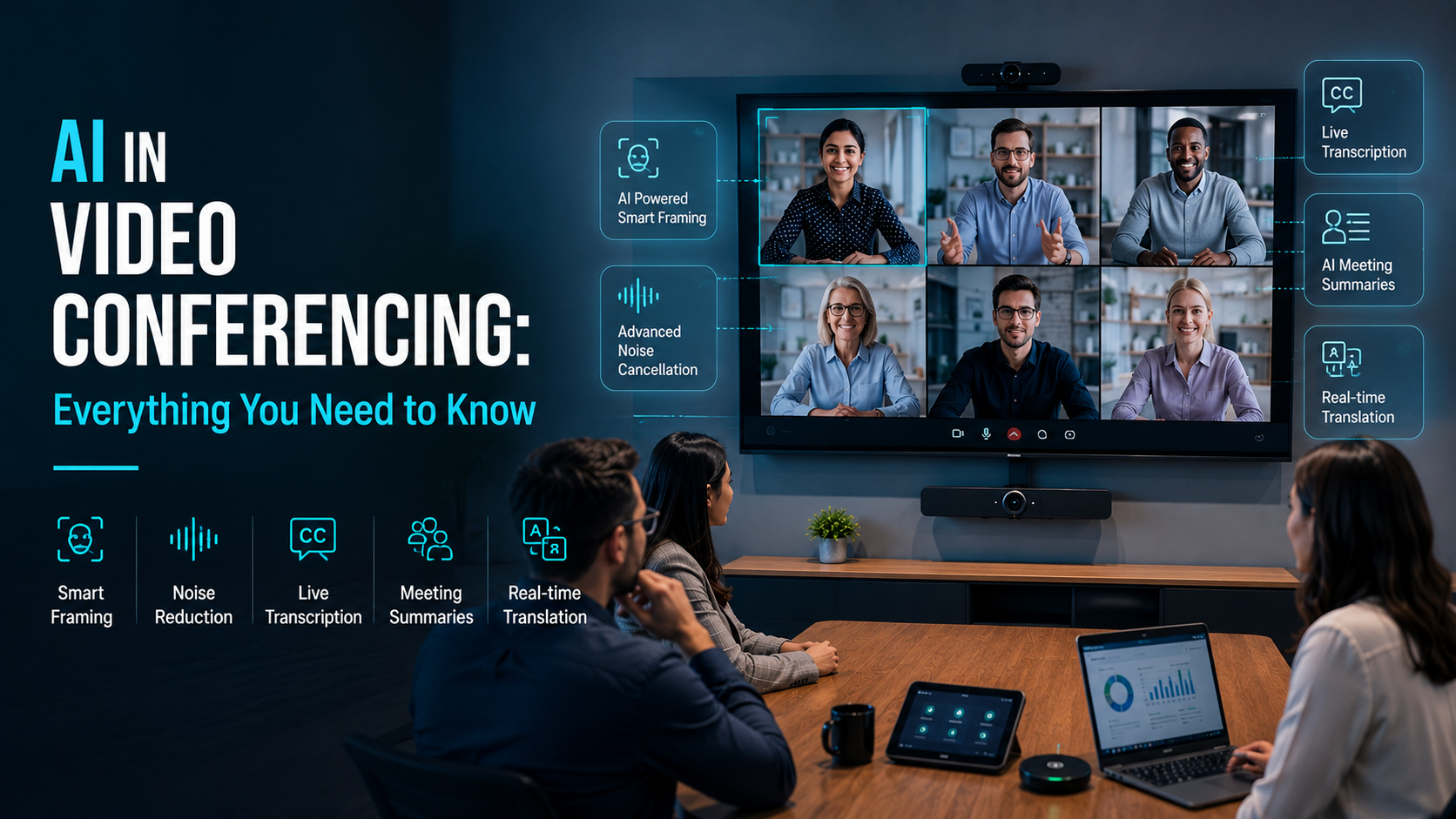
Noise removal. This one is a lifesaver. If there’s a fan running, kids playing, or traffic outside your window, the AI cuts that noise out so people mostly hear your voice. I remember a call where a coworker was at a coffee shop, and honestly, none of us could tell. That’s how good it’s gotten.
Live captions and transcripts. As people talk, the words show up on screen. And once the meeting ends, you get a full written record. This is huge if English isn’t someone’s first language, if someone has hearing trouble, or if you just missed a line because you zoned out for a second (no shame, it happens).
Meeting summaries and action items. This is my favourite part. Instead of you writing “who’s doing what,” the tool reads the whole meeting and hands you a short summary plus a to-do list. No more “wait, what did we decide?” messages the next day.
Background blur and clean-up. Nobody needs to see your messy laundry pile. The AI blurs the background or swaps it out, so you look tidy even when your room isn’t.
Auto framing. The camera follows you. If you lean back, move around, or someone else joins your side of the table, it adjusts so everyone stays in the frame. You don’t have to keep scooting your chair.
Live translation. Some tools now translate captions into other languages in real time. If you work with people across countries, this quietly removes a wall that used to slow everything down.
Why this actually matters (and not just for big companies)
Here’s the honest truth. Most of us don’t love meetings. They eat up our day, and half the time we walk away unsure of what we agreed on.
AI in video conferencing chips away at that frustration. When the software takes notes, cleans your audio, and reminds you of your tasks, you get to be a person in the meeting instead of a stressed-out multitasker. You listen better. You contribute more. You leave feeling like the call was actually worth it.
And it’s not only for huge corporations with big budgets. A small team of five, a solo freelancer talking to clients, a teacher running online classes, a doctor doing remote check-ins, they all get the same help. That’s what makes this shift feel fair. The useful stuff isn’t locked behind a giant price tag anymore.
There’s also a quiet emotional win here. When you’re not scrambling to keep up, meetings feel less draining. You end your workday with a little more energy left for yourself. That matters more than we admit.
How to choose the right video conference solutions
Okay, so you’re sold on the idea. But there are a lot of video conference solutions out there, and they all promise the moon. Let me keep this simple so you don’t get overwhelmed.
Ask yourself a few honest questions:
How big are your meetings, really? A tool built for 500-person webinars is overkill if you mostly do small team calls. Pick what fits your actual life, not the biggest option.
Which AI features do you truly need? Be honest. If you’ll never use live translation, don’t pay extra for it. But if you take a lot of notes, a solid summary feature is worth its weight in gold.
Does it play nice with your other tools? Your calendar, your chat app, your shared files. If the video tool connects to those, your day flows better. If it doesn’t, you’ll feel the friction fast.
Is it easy for everyone? This is the one people forget. If your clients or teammates struggle to join a call, all the fancy AI in the world won’t save you. Test it with a real person before you commit.
What about privacy? Your meetings often carry private info. Check where recordings and transcripts are stored, and who can see them. A good tool is upfront about this. If they’re vague, that’s a red flag.
My honest advice? Most of these tools offer a free trial. Use it. Run a couple of real meetings, not fake test ones. You’ll know within a week whether it fits.
A few small things to keep in mind
AI is helpful, but it’s not perfect. Transcripts sometimes get a word wrong, especially with names or accents. Summaries can miss a bit of nuance. So don’t switch your brain off completely. Skim the notes, fix the odd mistake, and you’re fine.
Also, tell people when a meeting is being recorded or transcribed. It’s the decent thing to do, and honestly, people appreciate the heads-up.
The bottom line
AI in video conferencing isn’t about flashy tech. It’s about making your calls less stressful and your day a little lighter. It cleans up your audio, takes your notes, keeps you on camera, and hands you a clear summary when you’re done.
When you’re picking between video conference solutions, keep it simple. Match the tool to your real needs, test it with actual meetings, and check the privacy details. Do that, and you’ll wonder how you ever ran meetings without it.
Your future self, the one who isn’t frantically typing notes at 5 p.m., will thank you.