




KEY CAPABILITIES
From first-day confidence to long-term ownership — hands-on user training, clear operator guides, troubleshooting workshops, and admin enablement with complete handover packs.

Confident day-one usage
- Role-based walkthroughs: presenter, host, participant
- Common actions: one-touch join, share, switch sources
- Best practices for hybrid meetings & etiquette
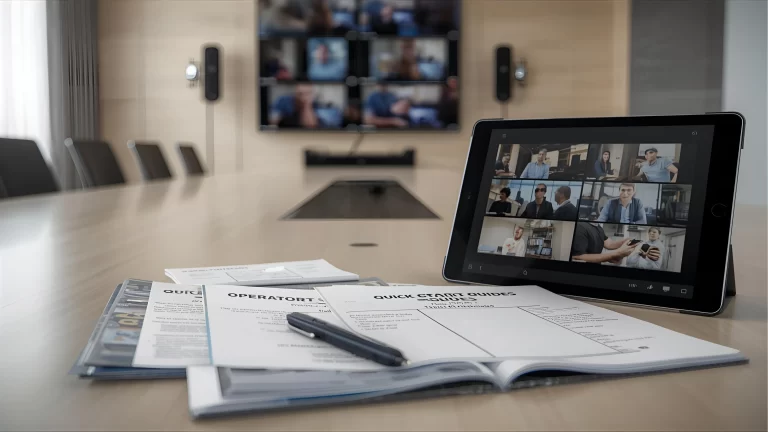
Clear, reusable materials
- Room-specific quick-start guides & laminated cards
- Short video tutorials (subtitled) for common tasks
- Brand-aligned templates & version control

Faster self-recovery
- Live fault simulations & first-line checks
- Signal path basics: audio, video, network
- Escalation paths & when to call support

Operate & govern at scale
- Admin consoles, device dashboards & alerts
- Firmware policy, backups, and change control
- Room standards, presets & version registers

Complete, room-level packs
- As-builts, IP maps, asset & serial registers
- Operator guides, runbooks & SOP checklists
- Attendance logs & sign-off records

Prove readiness, improve continuously
- User/operator certifications & badges
- Feedback surveys & adoption scorecards
- Refresher sessions & new-joiner onboarding
BEYOND TRAINING — REAL ADOPTION
Tangible outcomes from Training & Handover—confident users, faster self-recovery, and smoother operations post go-live.
- 2500+ users trained
- 92% post-session confidence
- 38% tickets reduced (first 60 days)
- 180+ rooms handed over
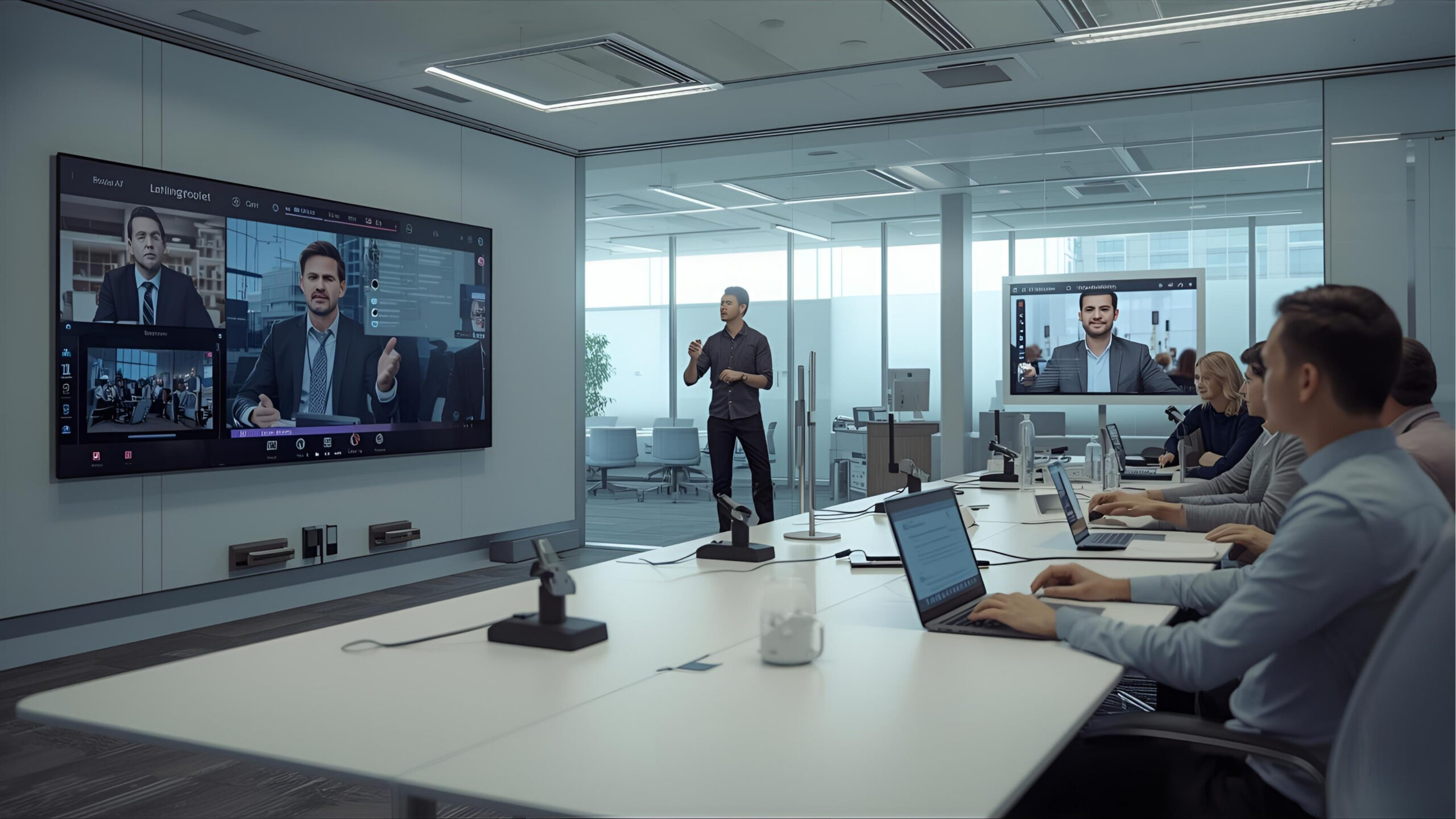
Enterprise Onboarding Sprint
Role-based sessions for presenters, hosts, and participants across sites.
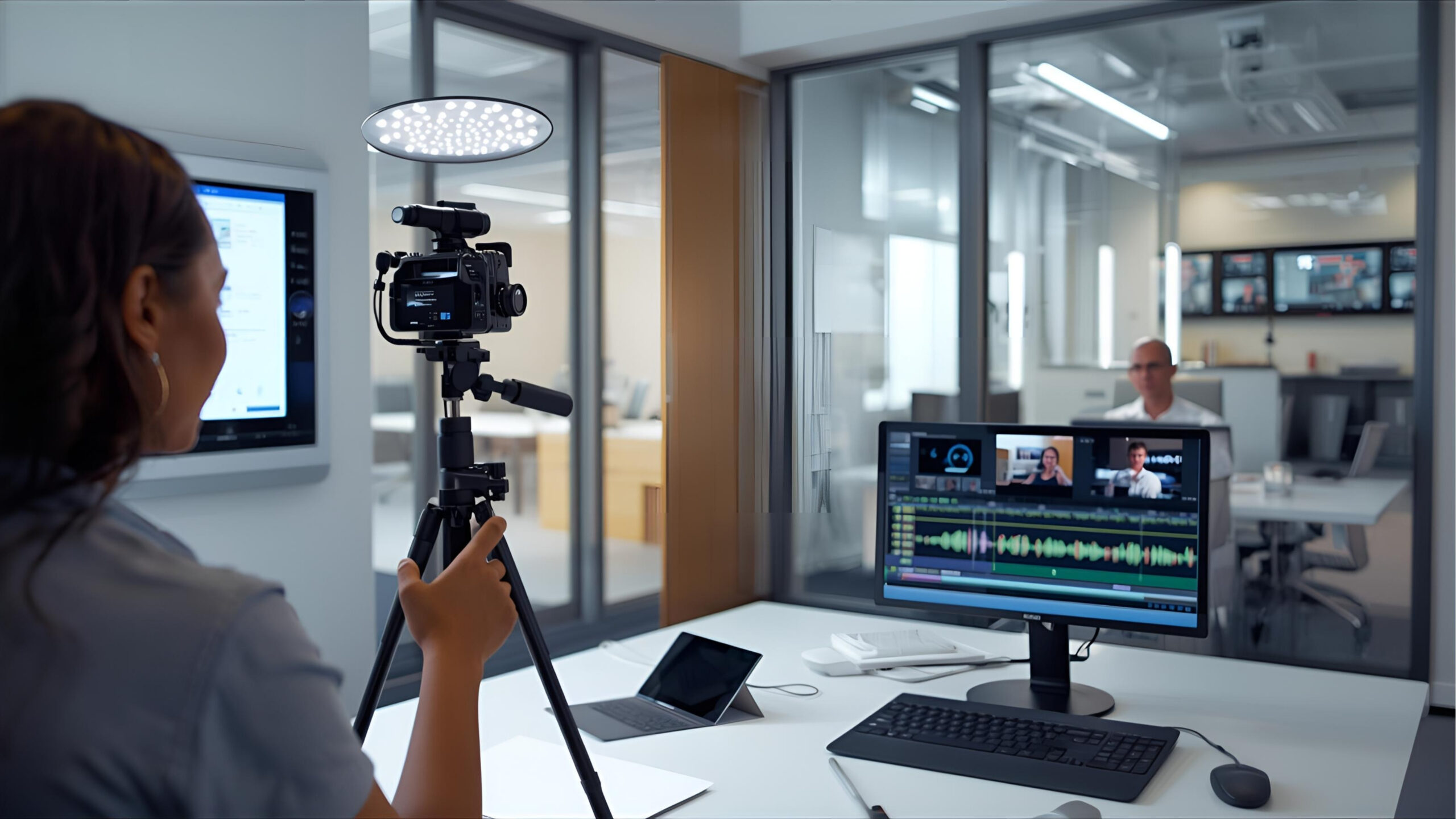
Operator Video Library
Short, subtitled clips for one-touch join, share, and mode switching.

Troubleshooting Workshops
Fault simulations and first-line checks to speed self-recovery.

Admin Enablement & Handover
As-builts, IP maps, runbooks and sign-offs for smooth operations.
OUR VALUED CLIENTS
Building connections that inspire trust, innovation, and excellence.